
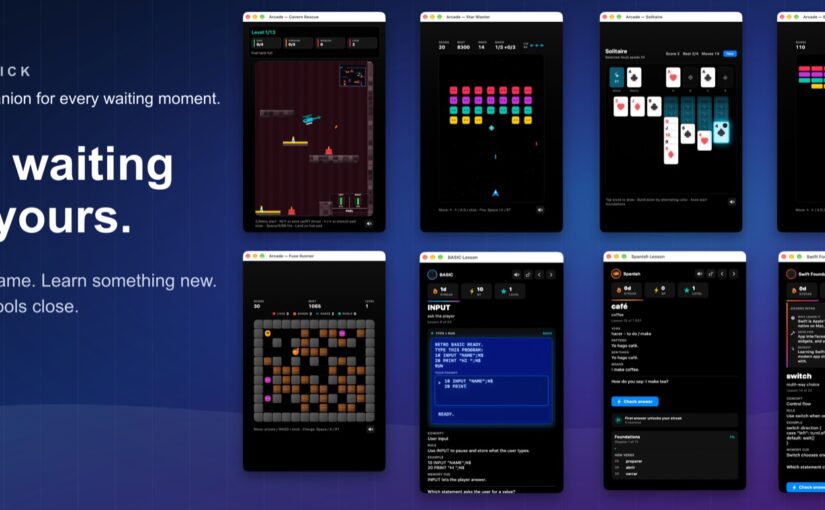
There is a particular kind of pause that happens throughout the day: a download is finishing, a task is taking a moment, or you simply need to step away from what you are doing. Emmy Sidekick gives those small gaps a little personality.
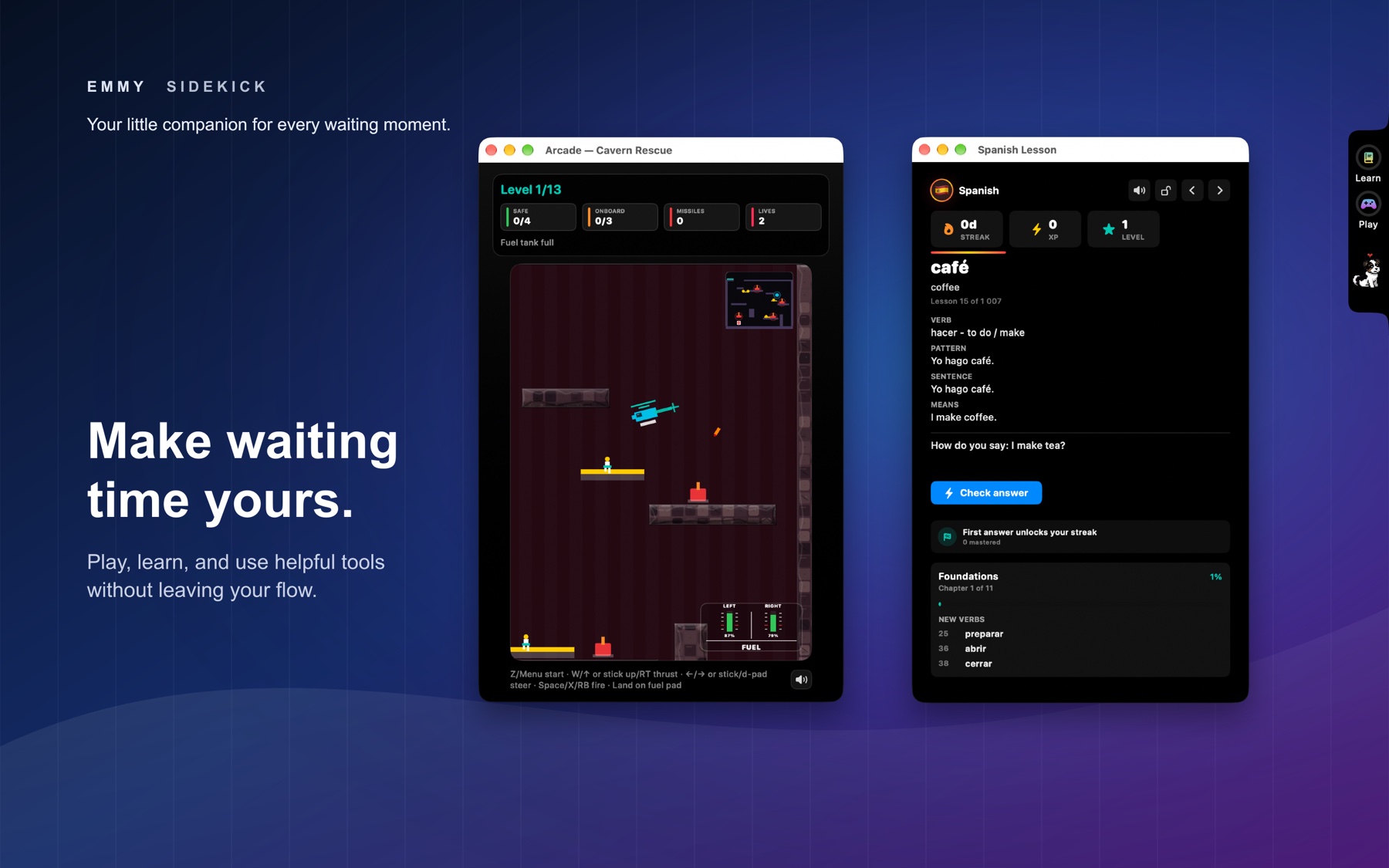
With a floating notch on the right side of your screen, Emmy brings together a friendly companion, bite-size lessons, retro games, and useful everyday controls. It is a small place to visit when you want a quick reset.
A little company throughout the day
At the heart of Emmy Sidekick is Emmy herself. Her routine includes walks, playtime, food, water, and potty breaks, with gentle reminders to help you keep up.
Click Emmy to mark a care task complete, and enjoy the animations and treats that accompany those little moments. A care history lets you look back at what you have already taken care of, so you can keep track without relying on memory.
It adds a simple rhythm to the day: check in, take care of something small, and carry on.
Turn a spare minute into a tiny lesson
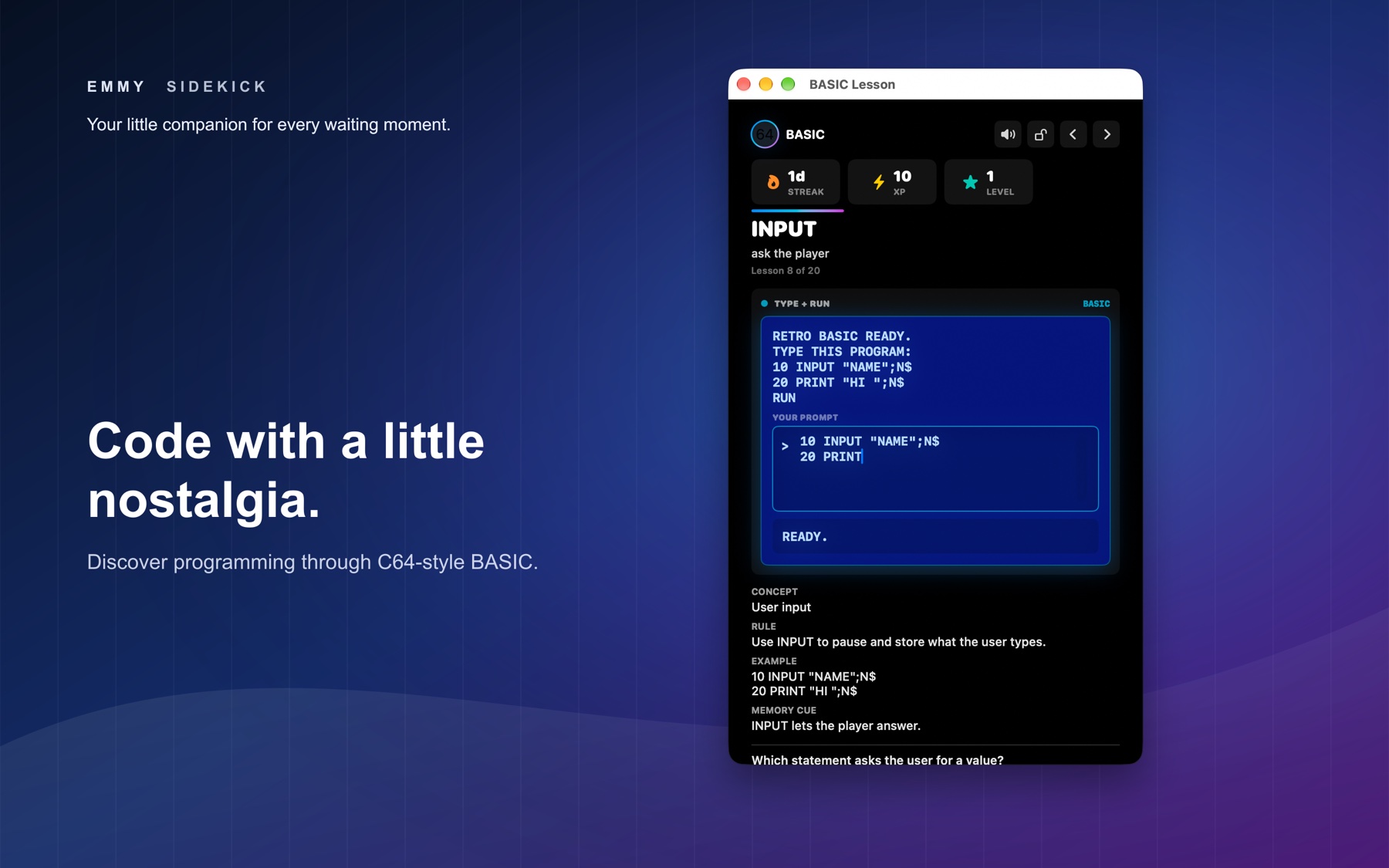
Sometimes a break is a chance to learn something. Emmy Sidekick includes short lessons in languages and programming, with topics including Swift, Kotlin, Dart, Java, and even Commodore 64 BASIC.
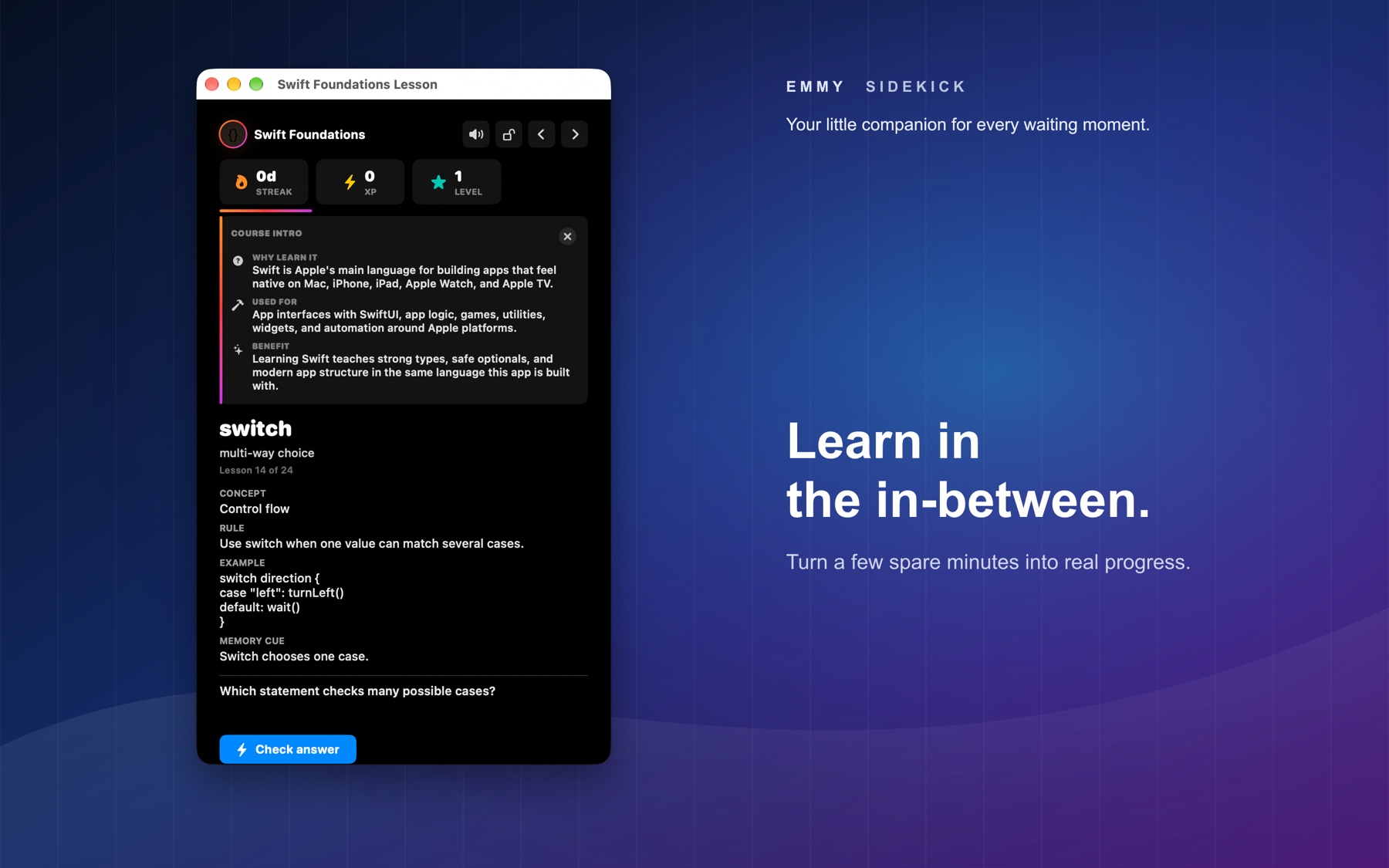
You can build a streak, earn XP, and track your progress as you go. The appeal is in the size of the commitment. You can fit a little learning into a waiting moment without setting aside time for a full study session.
And if Commodore 64 BASIC brings back memories, there is room for a little nostalgia alongside something new.
Six games for a playful pause
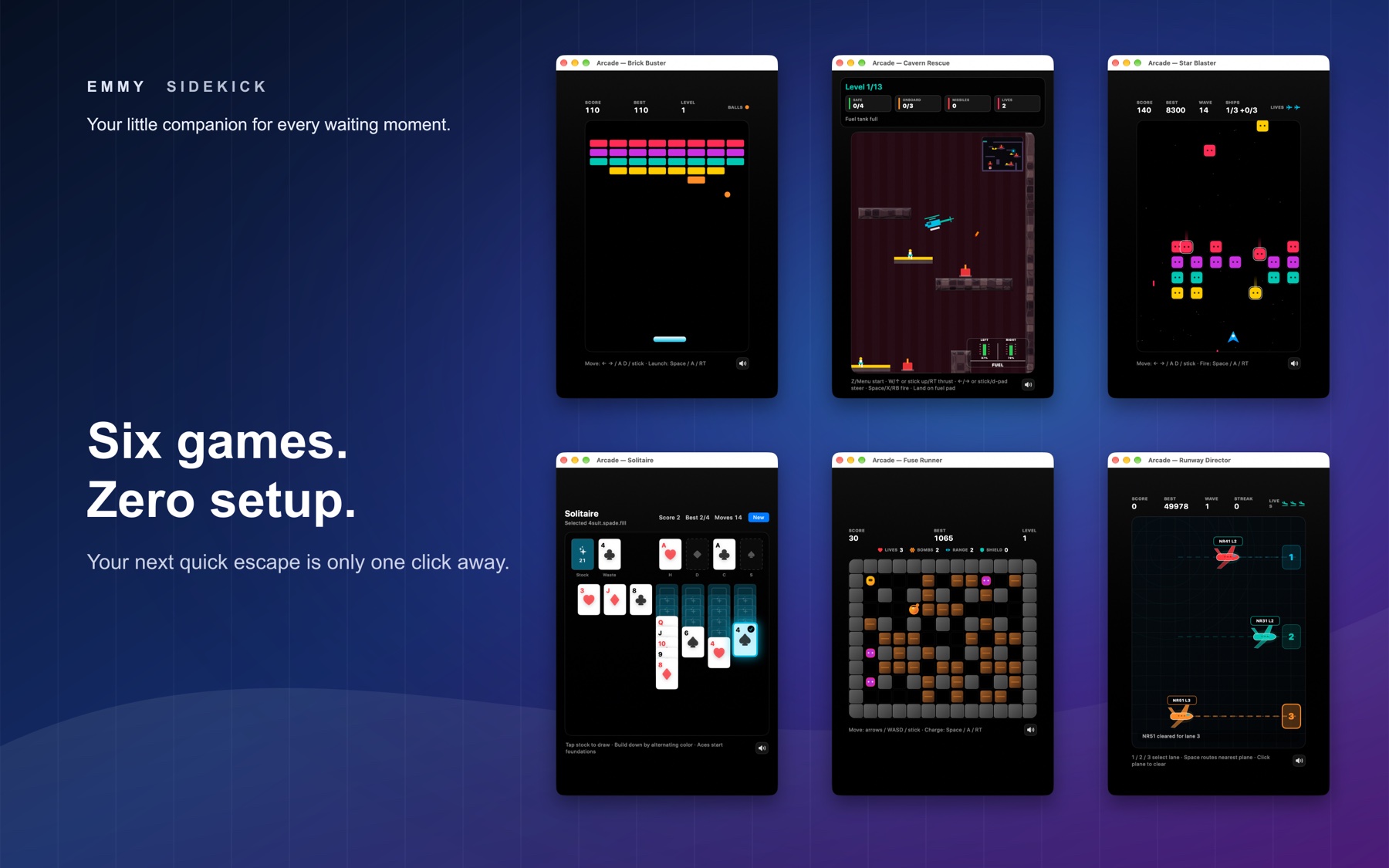
When you would rather play, Emmy Sidekick has six games to choose from:
- Cavern Rescue
- Star Blaster
- Brick Buster
- Solitaire
- Fuse Runner
- Runway Director
Each game opens in its own resizable window, giving you space to settle in for a quick round. Game sound effects can also be controlled in the settings.
Useful tools within reach
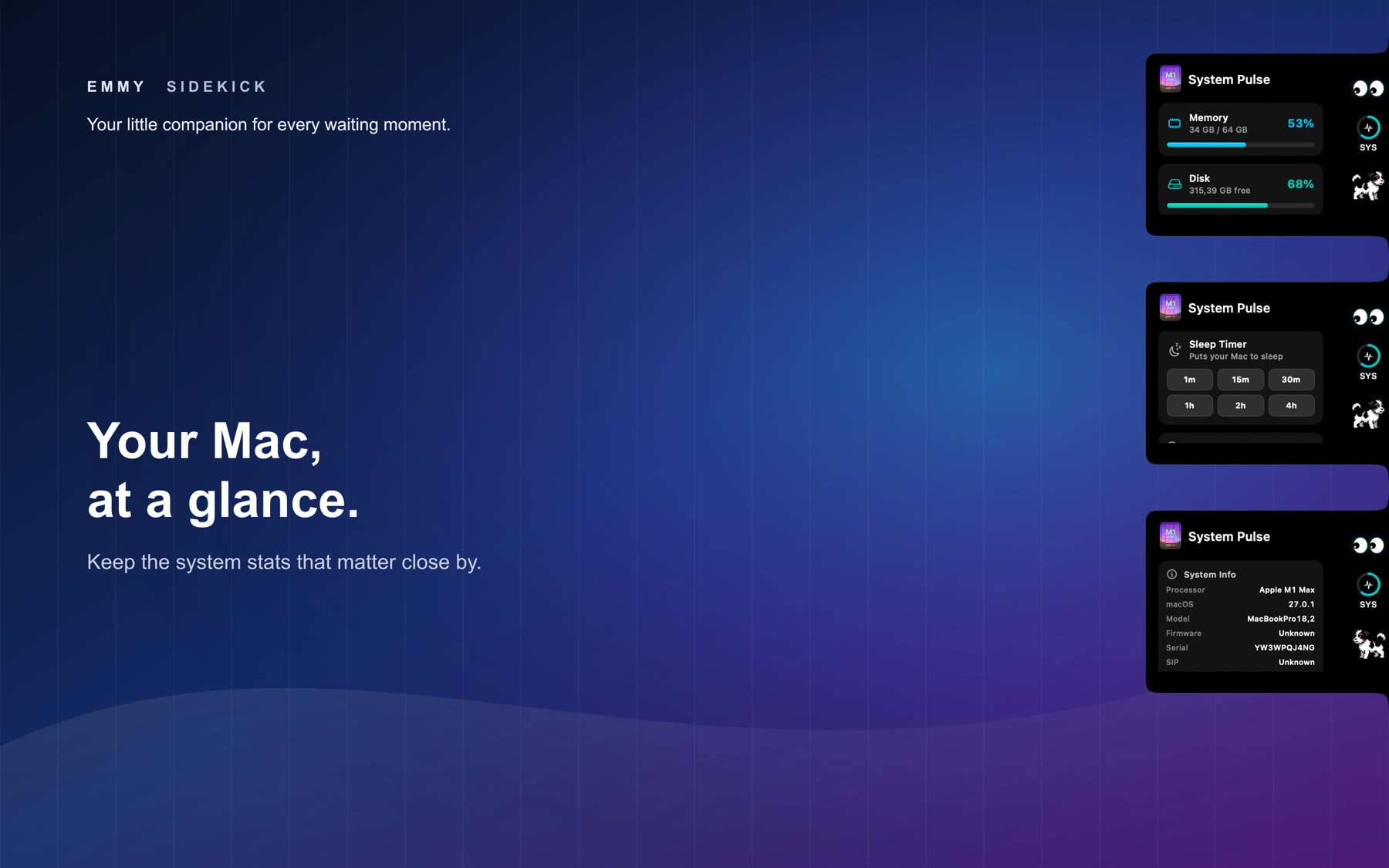
The notch also gives you a place for practical controls. A focus timer helps you set aside time to concentrate, while a sleep timer is available close by. The volume wheel offers a quick way to adjust sound.
You can also open a live camera preview to check your view and see system information when you need it. These are small conveniences, but keeping them together makes the notch useful beyond break time.
Make room for Emmy your way
You can choose which widgets appear in the notch and adjust its vertical position to suit your setup. Launch at login keeps Emmy available from the start of your day, and configurable reminder intervals let you shape her routine around yours.
Whether you stop by for a lesson, a game, a quick control, or a little company, Emmy Sidekick gives those in-between moments somewhere to go.